
Hi everyone,
Now that we’ve requested that you use our Contact Form when you apply for assistance, you’d notice that the maximum size of each photo is 1MB.
As such, you may need to resize your photos before uploading them.
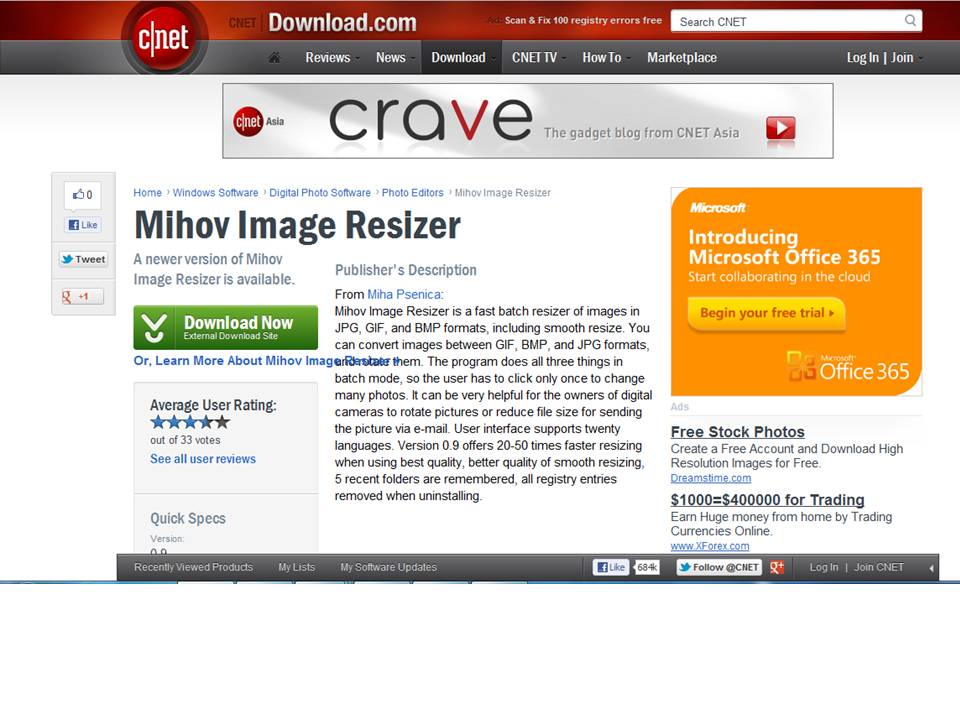
Use this free software to do it: http://download.cnet.com/Mihov-Image-Resizer/3000-2192_4-10466450.html
You do not need to send high resolution photos to me for publishing on the blog. In fact, 60kb photos would do already, as long as they are sharp. It is not the size that matters but the clarity.
In the past, when rescuers send large photos, I still have to resize them before uploading. If I don’t, you’ll take a LONG time to load our pages!
Thank you for helping me save time. Your cooperation is much appreciated.
In the work we do, time is of the essence. If you help me resize your photos, I can sleep earlier every night!
Comments
3 responses to “Could you please resize your photos?”
There’s actually no need to download a program for that,if you’re using windows. You already have one on your pc; it’s called Paint!
Here’s a guide for Windows 7: http://windows.microsoft.com/en-US/windows7/Resize-a-picture-using-Paint
Older Windows: http://www.wikihow.com/Resize-an-Image-in-Microsoft-Paint
Also with Windows 7, you would have Windows Live Photo Gallery. When you open it, it’ll automatically detect all photo files in your hard disc and display them. Pick the picture you want to edit or resize. To resize, click on the “Properties” drop down menu (it’s somewhere at the top next to the “Tag and caption button”). Hold the “Properties” drop down menu and click on “Resize.” The “Resize” window will open – choose the “Smaller 640” size option. Remember to take note of where you are saving the reduced file before you click on “resize and save.” This should be an easier method for people who are unfamiliar with Paint, which can be more complicated.
Another effective way to reduce file size is to simply crop the picture. This can also be easily done with this. The added advantage of cropping is that you can take away additional information in the picture that you do not want to reveal, for example, the car license plate, or the stain on the background wall that you’ld rather not show to the public. 😀
Mihov is much faster 🙂